


Losing important files can disrupt work, affect customers, and put personal memories at risk. A hard drive may stop working, a laptop may fail to start, or files may disappear after accidental deletion or formatting. In these situations, the next steps matter: trying the wrong fix can make some data harder to recover.
Netlogix Information Technology as a trusted IT companies in dubai provides IT support & services for businesses in Dubai across UAE. If you are dealing with data loss, we will explains common causes, what to do first, how professional recovery works, and what to ask before choosing a provider for data recovery services in Dubai, UAE.
What Are Data Recovery Services?
Data recovery is the process of retrieving files from storage that has become inaccessible, damaged, corrupted, or accidentally erased. The approach depends on the device, the type of failure, and whether the data has been overwritten.
Recovery may be possible from:
– Internal and external hard drives
– Solid-state drives (SSDs) and NVMe storage
– USB flash drives and memory cards
– RAID arrays, NAS devices, and servers
– Laptops and desktop computers
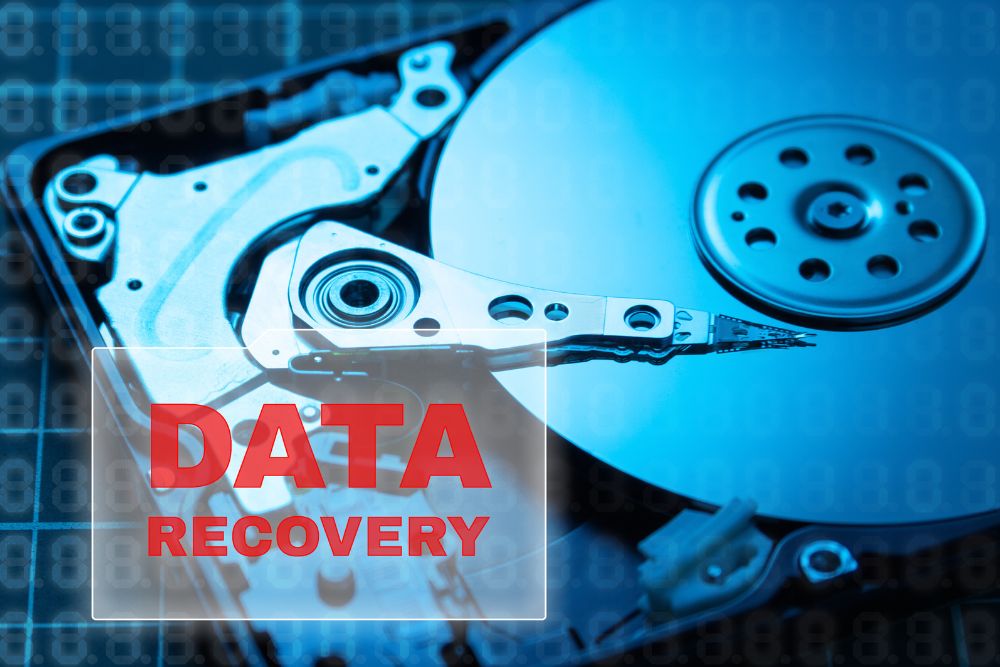


Common Causes of Data Loss
Hardware Failure
Hard drives and SSDs can fail because of wear, electrical issues, overheating, or physical damage. Clicking or grinding sounds from a hard drive, repeated disconnects, or a device that is no longer detected may indicate a hardware problem.
Accidental Deletion or Formatting
Files may be deleted by mistake, or a drive may be formatted before important data is copied elsewhere. Stop using the affected storage as soon as you notice the loss. New data can overwrite files that might otherwise be recoverable.
File System or Software Corruption
A sudden shutdown, failed update, or software issue can leave a drive or partition unreadable. The device may still power on, but the files may not be accessible through the usual operating system.
RAID, Server, or Storage-System Failure
When a RAID array, NAS, or server becomes unavailable, the impact can extend beyond one device. Business files, shared folders, databases, and virtual machines may depend on the same storage system.
What to Do If You Lose Important Data
If files suddenly become inaccessible, avoid making changes until you understand what has happened. These steps can help reduce the risk of further data loss:
- Pause activity on the device. Don’t save new files or install recovery tools on the affected drive.
- Shut down if the drive shows signs of failure. If it clicks, makes unusual sounds, or keeps disconnecting, stop using it rather than repeatedly restarting it.
- Leave RAID settings unchanged. Don’t initialize, reformat, or rebuild an array before getting advice, as this could alter data that may still be recoverable.
- Keep the device and note the symptoms. Save any error messages and write down what happened before the data became unavailable.
- Check your backups carefully. Confirm that the needed files are present before starting a restore or replacing existing data.
How Netlogix’s Professional Data Recovery Process Works
A recovery process should begin with diagnosis, not guesswork. The exact steps vary by device and failure type, but Netlogix should explain the process before proceeding.
1. Diagnosis and Assessment
The provider checks the device, gathers details about the failure, and assesses whether recovery may be feasible. Ask what the assessment costs and whether any work will begin before you approve a quote.
2. Recovery Plan and Cost Estimate
Our team should explain the proposed approach, expected risks, likely timeline, and pricing. Complex physical damage or multi-drive systems may require more work than simple logical failures.
3. Data Extraction or Drive Imaging
Where appropriate, specialists may create a sector-by-sector image of the storage device and work from that copy rather than making changes to the original. The suitable method depends on the condition of the media.
4. File Review and Secure Handover
Before accepting the recovered data, ask how it will be checked and delivered. Confirm which files or folders were recovered, what could not be retrieved, and how your data will be handled after the job is complete.
Data Recovery Solutions for Businesses in Dubai
For a business, data loss can affect more than one employee or computer. A failed server or storage array may interrupt access to shared files and business applications. Recovery planning should therefore consider both the data and the systems that depend on it.
RAID, NAS, and Server Recovery
RAID and network storage systems require care because the disks work together. Avoid changing disk order, initializing the array, or starting a rebuild without understanding the failure. Keep available configuration details such as RAID level, controller model, and recent error messages for the recovery team.
Business Data, Databases, and Virtual Machines
Business systems may store data across several layers, including physical drives, shared storage, and virtual machines. Tell the provider which applications are affected and which data is most urgent. This helps our team assess the business impact and plan the work.
Recovery and Backup Planning
Recovery is not a replacement for backups. Backups help restore known copies of data, while recovery may be needed when files are missing, a backup is unavailable, or the latest changes were not copied. Businesses should test their backups and document which systems need to be restored first.
FAQs – Frequently Asked Questions
Sometimes. Recovery may be possible if the deleted or formatted data has not been overwritten. Stop using the affected device, and avoid saving new files or installing recovery software on it, as these actions could reduce the chance of retrieving your data.
The time required depends on the type of device, the cause of the data loss, and the amount of data that needs to be recovered. A simple issue may be resolved sooner than a case involving physical damage or a complex storage system. If you’re searching for data recovery near me, ask netlogix team to assess the device and give you an estimated timeframe before work begins.
Some RAID and server failures can be assessed for recovery. Do not initialize the array or replace and rebuild disks without guidance, as those actions may affect the remaining data.
Costs depend on the type of storage, the failure, the amount of work required, and any parts or specialist procedures needed. Request a written quote and clarify what is included before approving the work.
Sometimes. The chances depend on the type and extent of damage, whether the drive has been used after failure, and whether the data has been overwritten. A diagnosis is needed to assess the specific case.

